
tailspotted
Find yourself in the wild.
Import your flight log and tailspotted automatically searches airplane spotter sites for photos of your exact aircraft — matched by tail number, airport, and date.
Find yourself in the wild.
Import your flight log and tailspotted automatically searches airplane spotter sites for photos of your exact aircraft — matched by tail number, airport, and date.
Import your flights, review matched photos, build your collection.
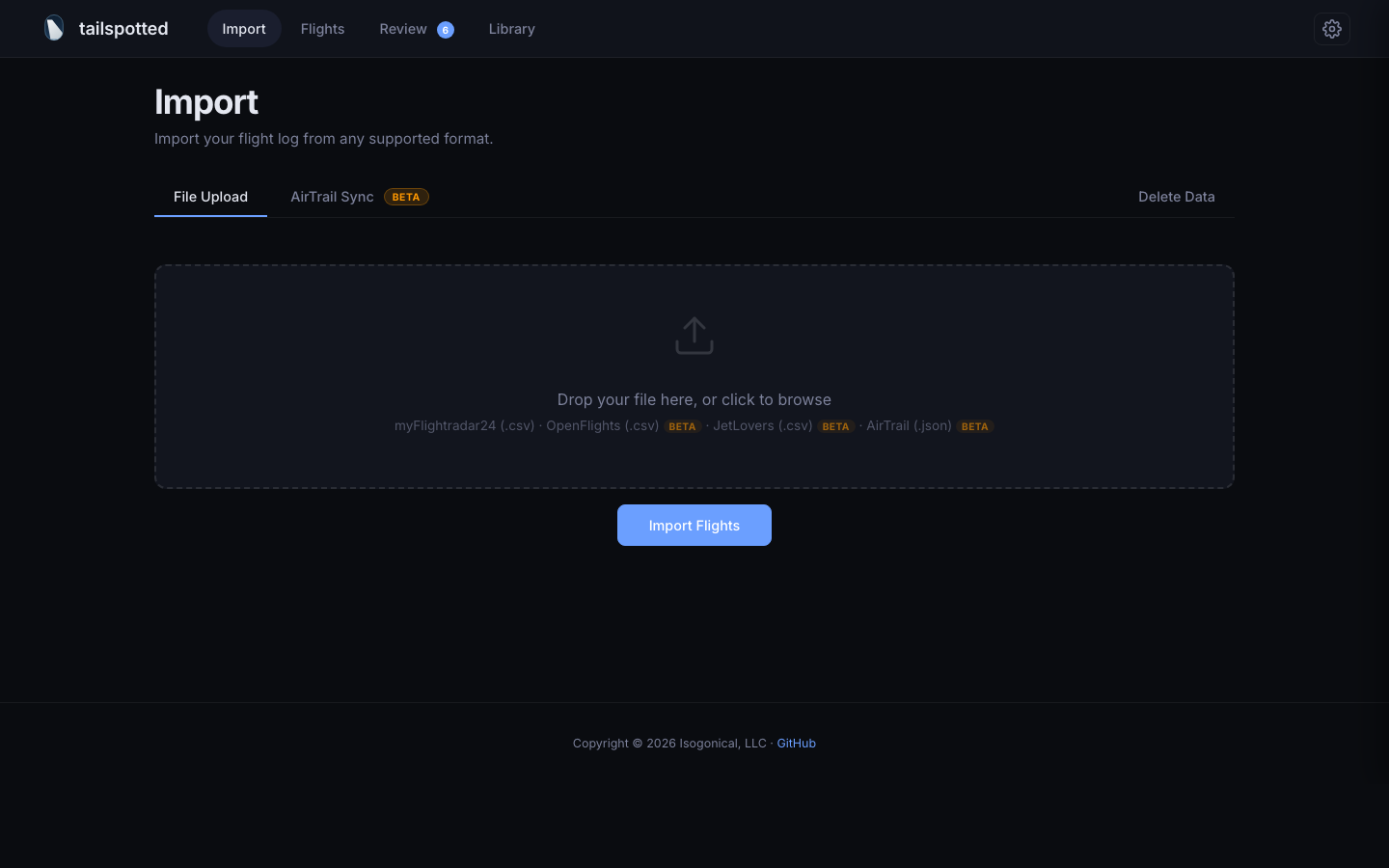
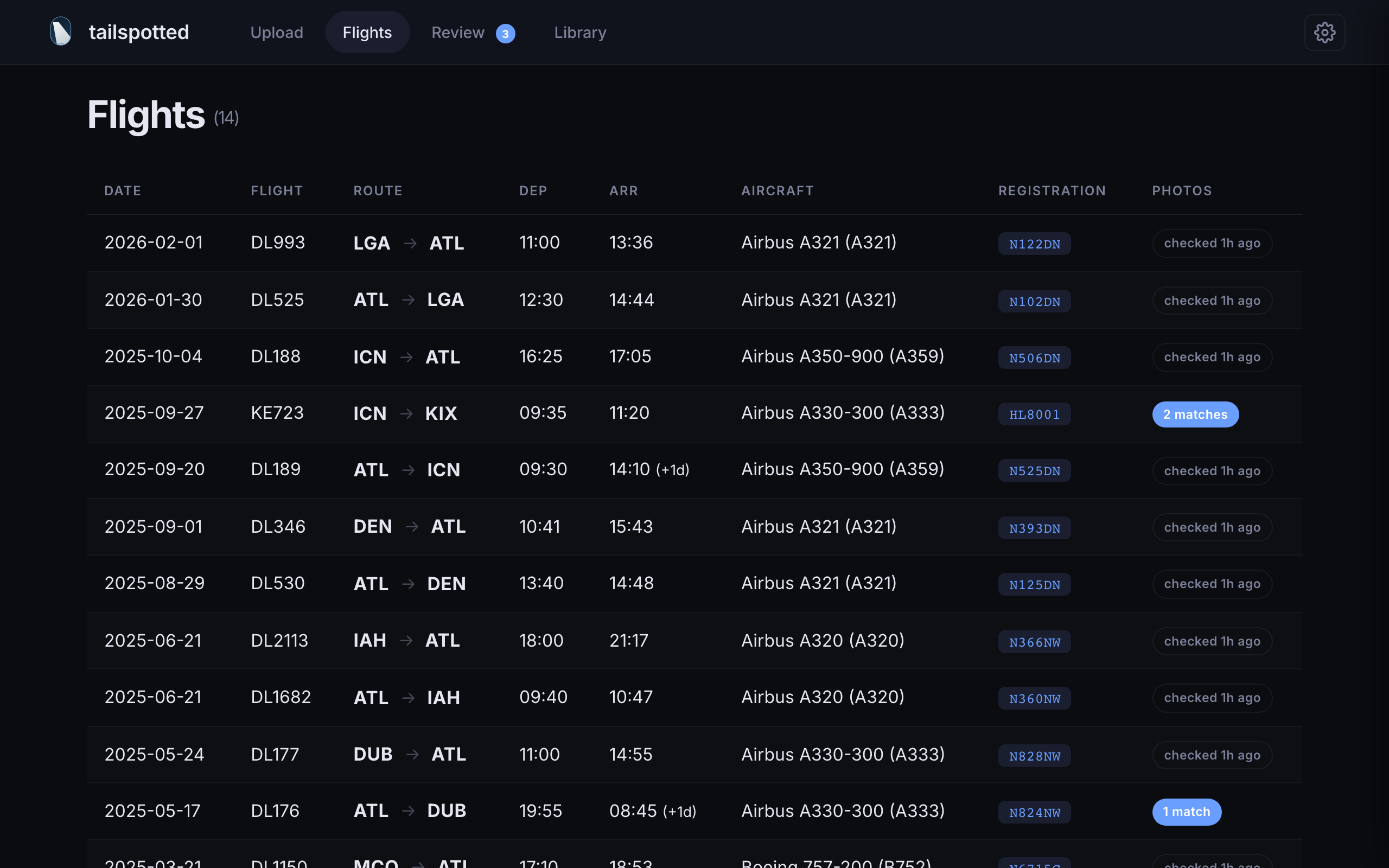

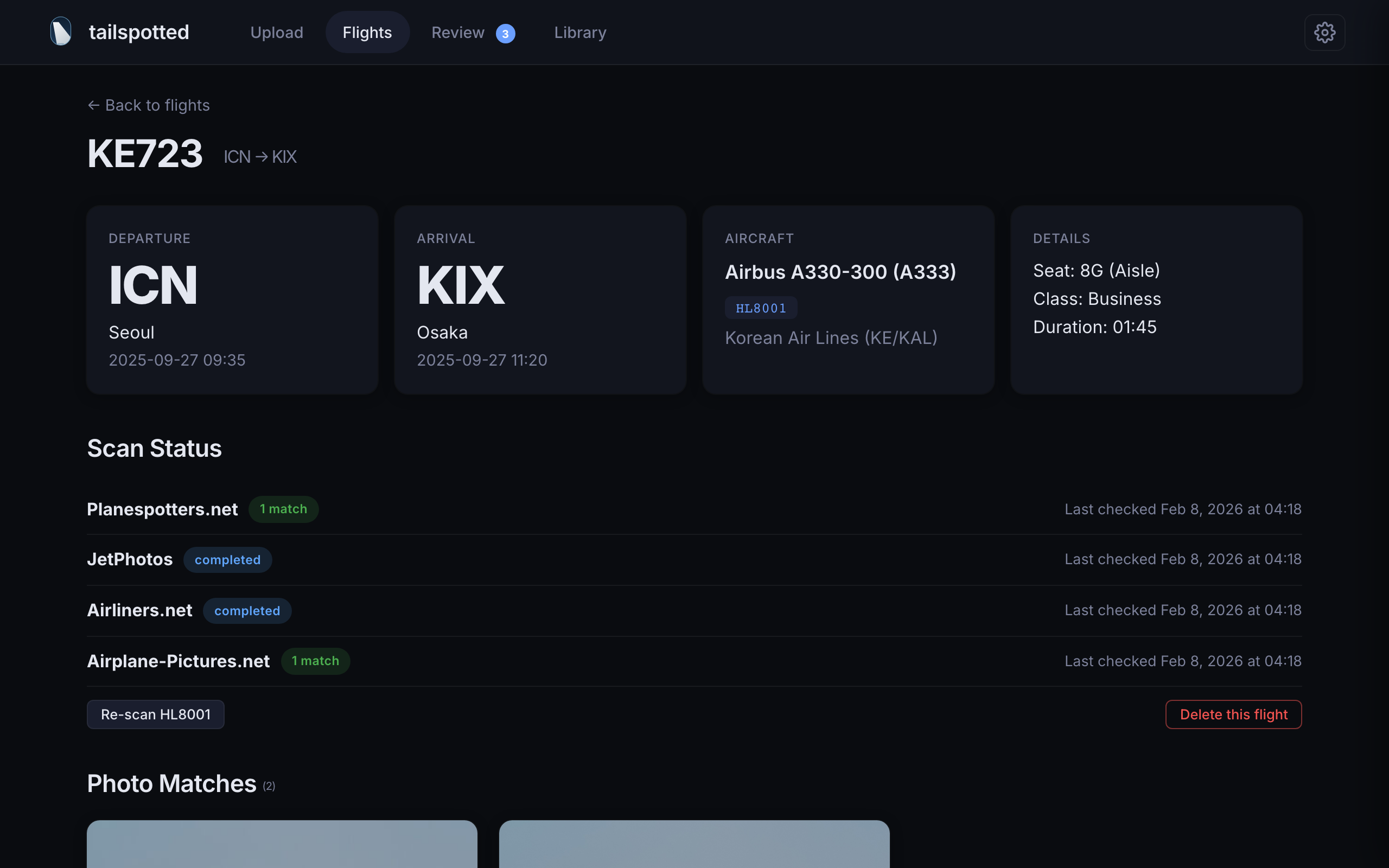
From flight log to photo collection in six steps.
Upload a file from FlightRadar24, OpenFlights, JetLovers, or AirTrail — or sync directly from an AirTrail instance via its API.
tailspotted auto-detects the format and parses your flights with full timezone awareness — red-eyes, date line crossings, and all.
Background jobs search four spotter photography sites for photos matching your aircraft registrations.
Photos are scored by relevance — registration, airport, and date proximity — and paired with your flights.
Approve or reject candidate matches one by one. Each photo shows its confidence score and metadata.
Approved photos go to your library, organized by flight. Your personal aviation photo collection.
Two commands. No cloning required.
curl -O https://raw.githubusercontent.com/isogonical/tailspotted/main/docker-compose.yml
docker compose up -d
Open http://localhost:3981 and import your flights. That's it.
Requires Docker with the Compose plugin. Works on Linux, macOS, Windows, Synology, Unraid, etc.
Everything runs locally in four Docker containers.
Supports myFlightradar24, OpenFlights, JetLovers, and AirTrail. Auto-detected with deduplication — re-import anytime without duplicates.
Connect to a running AirTrail instance via its REST API. Sync on demand or on a schedule — hourly, every 6h, 12h, or daily.
Searches Airliners.net, JetPhotos, Planespotters.net, and Airplane-Pictures.net in parallel.
Import from multiple sources without duplicates. Flights are matched across IATA and ICAO codes, so FR24 and AirTrail imports merge cleanly.
Approve or reject candidate photos with confidence scoring and full metadata display.
Live stats, pause/resume, concurrency control, and ETA in a slide-out panel.
Rate limiting, automatic rescans, and retry on failure. Set it and forget it.